Last updated on June 6, 2026
To speed up my workflow, I created a small shell script that runs from the terminal inside my local WordPress dev folder. It uses WP-CLI to instantly create new posts with just a title and excerpt, using a default featured image.
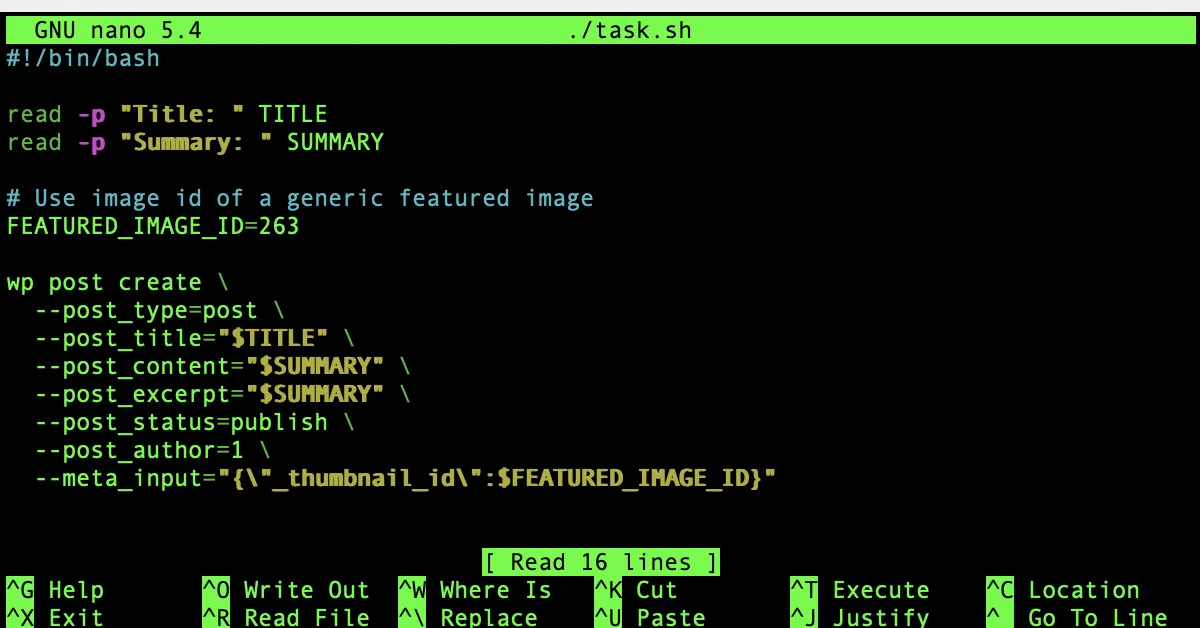
Here’s the full script:
#!/bin/bash

read -p "Title: " TITLE
read -p "Summary: " SUMMARY

FEATURED_IMAGE_ID=263

wp post create \
  --post_type=post \
  --post_title="$TITLE" \
  --post_content="$SUMMARY" \
  --post_excerpt="$SUMMARY" \
  --post_status=publish \
  --post_author=1 \
  --meta_input="{\"_thumbnail_id\":$FEATURED_IMAGE_ID}"
🧠 Why I Use It
This script lets me:
- Quickly generate task placeholders on the site
- Add a title and summary in seconds
- Automatically include a default thumbnail
Once the task is completed, I simply convert the post into a chapter using this command:
wp post update 331 --post_type=chapter
(where 331 is the post ID)
🏠 Home Page Logic
My homepage logic uses both post_type and category to determine what gets shown:
- Posts marked as tasks appear in a planning section.
- When converted to
chapterand edited with full content, they show up in the published index.
This flow lets me easily manage what’s live, in-progress, or still being planned — all from the command line.